Your Entire Reputation. One Dashboard.
ReputationSystems gives you a single Overview with real-time KPIs, a platform-by-platform sentiment breakdown, and instant search across every module — so you know exactly where you stand every morning.
No more 30 tabs. No more stale reports. Just one dashboard that shows everything, instantly.
4
KPIs
30+
Platforms
⌘K
Command palette
Multi
Property switcher
No credit card required · Real-time data from day one · Cancel anytime
Click a number. Sample data.
What does the reputation dashboard show?
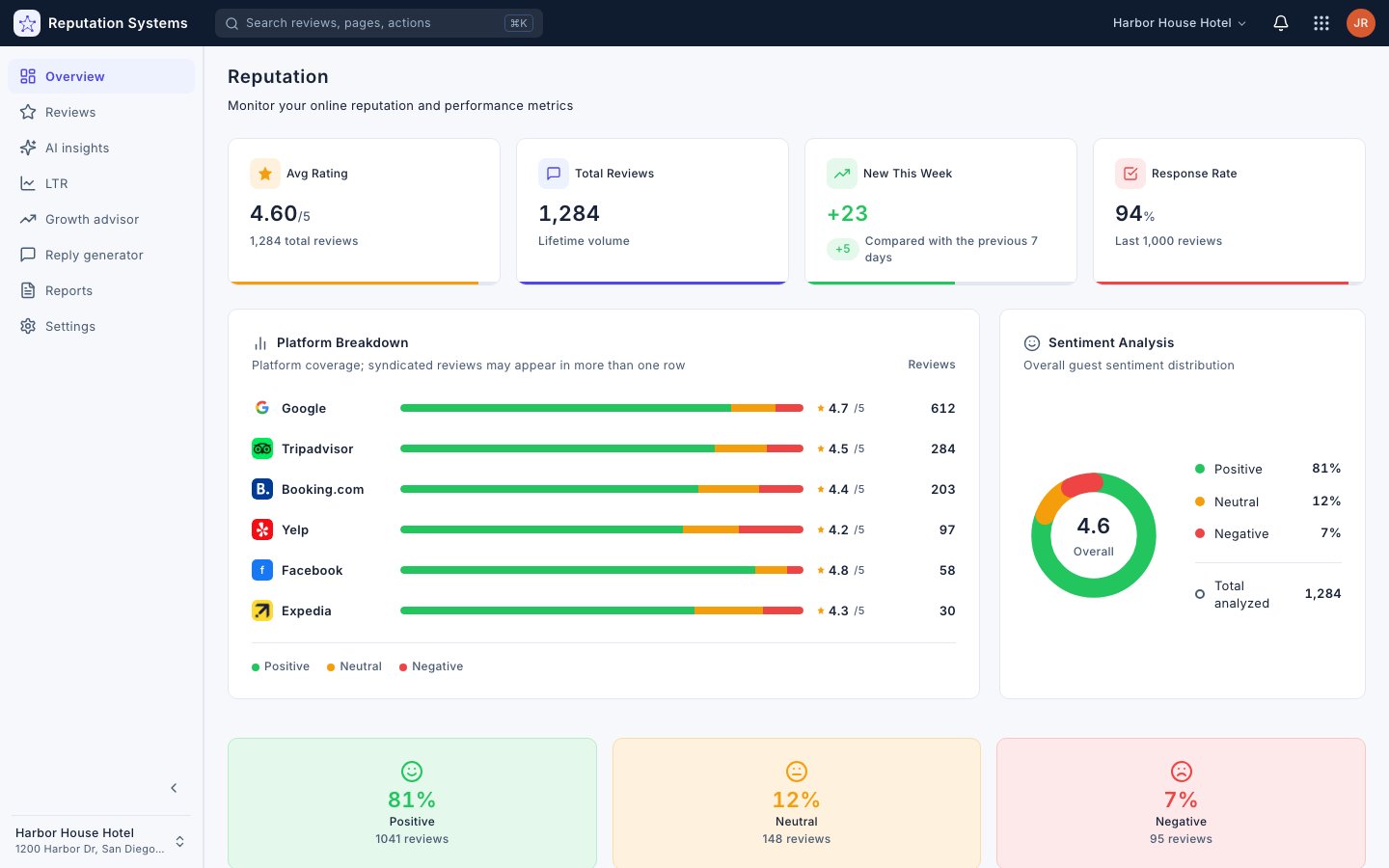
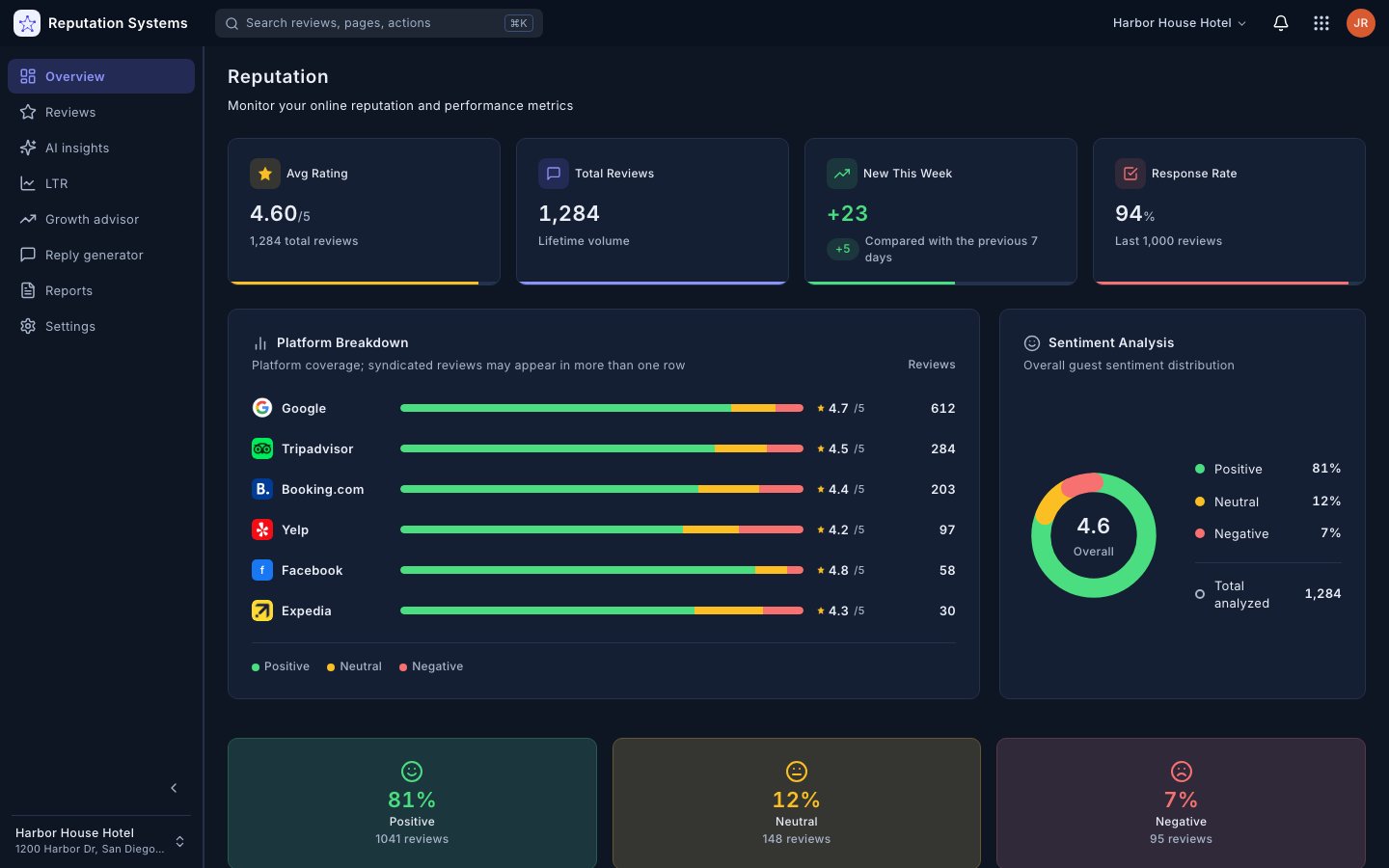
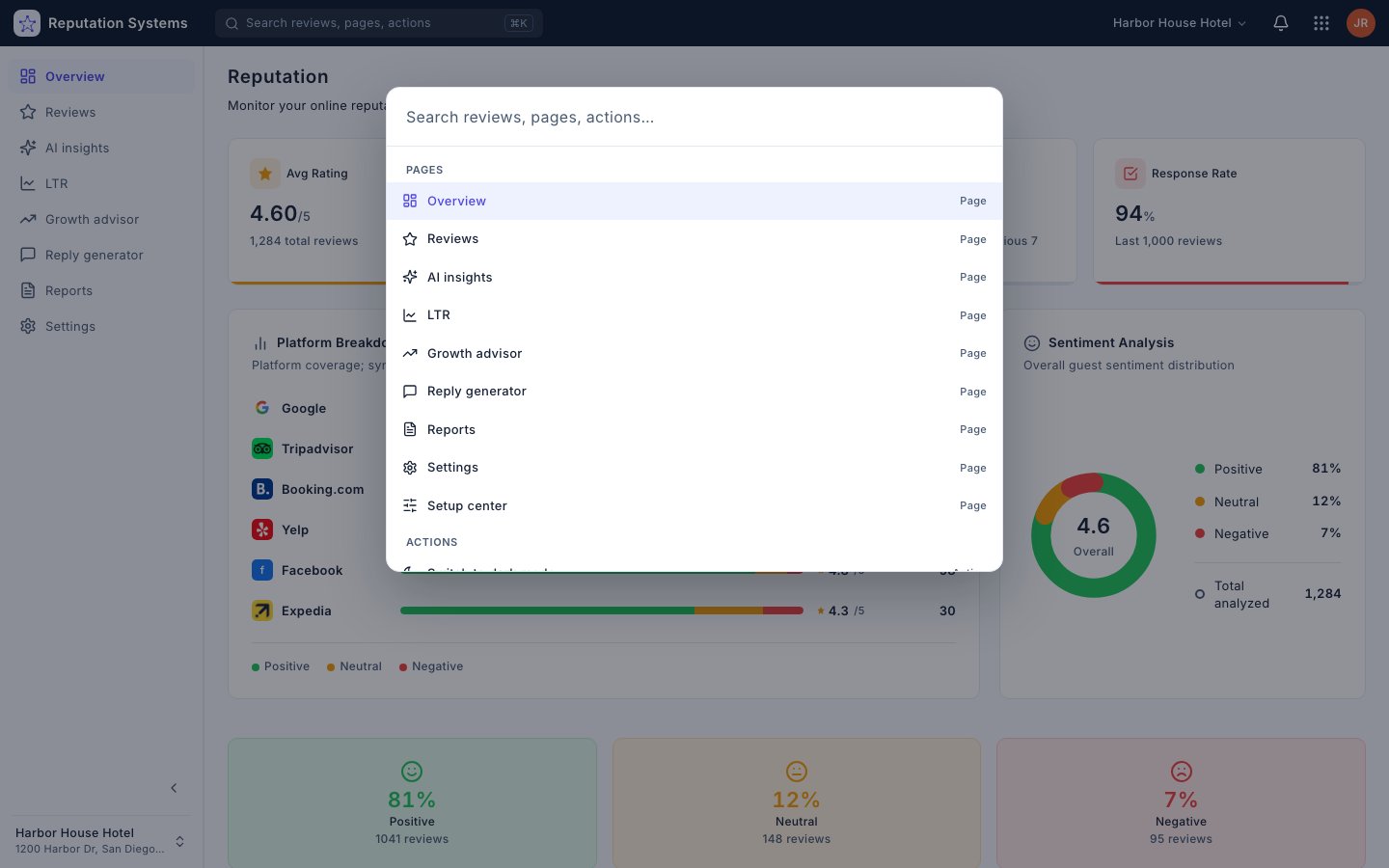
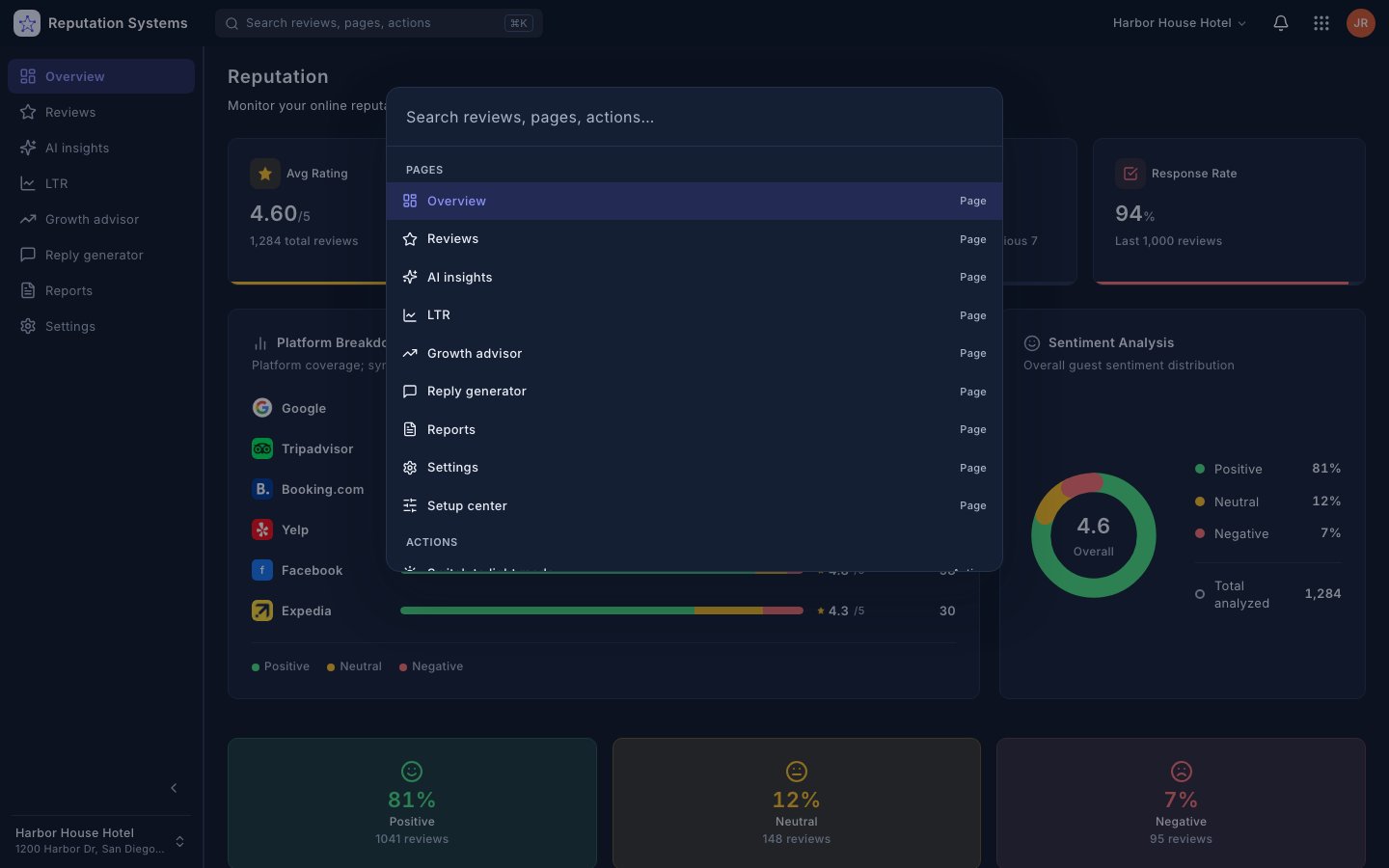
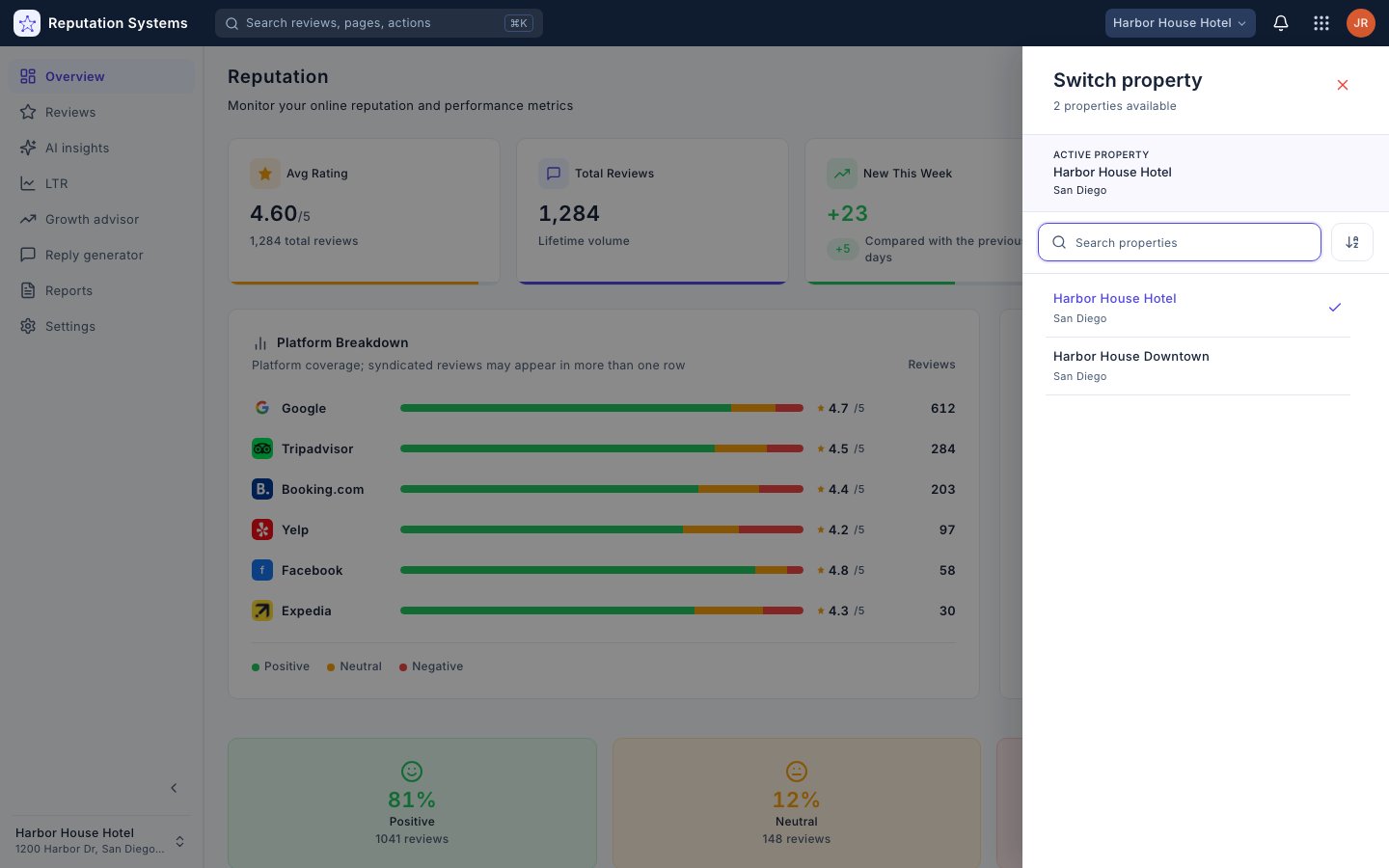
The Overview is the command center of ReputationSystems: average rating, total reviews, new reviews this week and response rate at the top, a per-platform breakdown with sentiment and review counts below it, and an overall sentiment split with the total reviews analyzed beside it. The command palette (⌘K) reaches any module in one keystroke, and switching properties from the header or the sidebar keeps every Overview scoped to the property you're viewing.
Checking Your Reputation Shouldn't Be a Morning Ritual
Every day without a centralized dashboard means wasted time, stale data, and missed red flags. Sound familiar?
No Big Picture
You check individual platforms but never see a holistic view of your reputation health at a glance.
Stale Metrics
Your last report is from two weeks ago. You have no idea what your current response rate or average rating is.
Slow to React
By the time you notice a dip in ratings, it's already been going on for weeks.
Too Many Clicks
Checking your reputation means opening 5 tabs, 3 dashboards, and 2 email inboxes every morning.
No Quick Actions
You see a problem but have to navigate to a different tool, platform, or page to actually do something about it.
Multi-Location Chaos
Managing 5+ locations means 5x the tabs, 5x the logins, and 5x the time to get a simple overview.
ReputationSystems Dashboard Solves All of This
Real-time KPIs, a platform-by-platform sentiment breakdown, and instant search across every module — all in one dashboard.
Everything You Need, One Screen Away
Six powerful capabilities that turn your dashboard into a real-time reputation command center.
The Result? Total Visibility, Zero Guesswork
Businesses using the ReputationSystems Dashboard see their current rating, review volume and platform sentiment the moment they open it — no digging through platforms to find out where they stand.
Start Your Free TrialPowerful Features That Put You in Control
Four capabilities that turn scattered review data into one screen you can trust every morning.
Four Numbers, Always Current
Real-Time KPI Cards
Average rating, total reviews, new this week and response rate — the strip at the top of every Overview.
- 1Average rating across every connected platform
- 2Total reviews, lifetime
- 3New reviews this week with the delta
- 4Response rate over the last 1,000 reviews
Which Platform Is Carrying You
Platform Breakdown & Sentiment
Every platform with its sentiment split, average rating and review count, and the overall sentiment donut beside it.
- 1Sentiment bar, average rating and count per platform
- 2Overall sentiment donut with total analyzed
- 3Positive / neutral / negative counts
⌘K to Anything
Command Palette
Search reviews, jump to any page, or run an action from one keystroke.
- 1Search reviews, pages and actions
- 2Jump to any module
- 3Run actions without leaving the page
Switch, Don’t Re-login
Multiple Properties
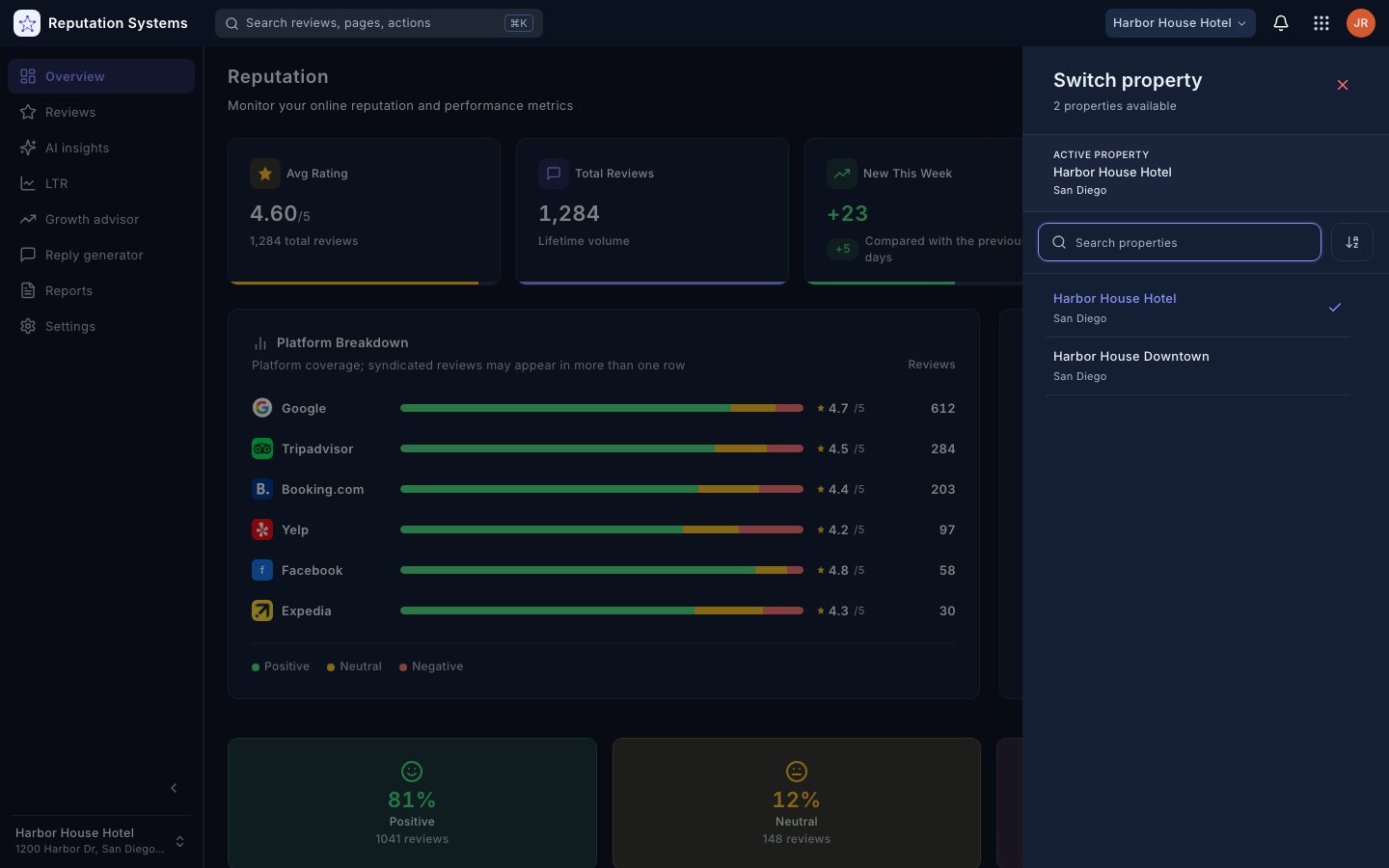
Each property has its own Overview; switch from the header or the sidebar, with search when you have many.
- 1Switch property from the header
- 2Search when you manage many
- 3Each property has its own Overview
"I used to open five tabs every morning just to see where we stood. Now the Overview shows average rating, total reviews, new this week and response rate the moment it loads."
James M. · Owner, Moretti's Trattoria (5 locations)Illustrative examples based on typical customer outcomes.
30+
platforms in one breakdown — Anita R., practice manager, dental group
⌘K
to any module — Carlos V., vp of operations, horizon hotel group
Complete Your Reputation Management Stack
The Dashboard works even better with these features.
Seamless Integration with Every Platform
ReputationSystems connects with all major review platforms — your dashboard shows data from every source.
 Google
 Booking.com
 TripAdvisor
 Expedia
 Airbnb
 Facebook
 Yelp
Yelp Trustpilot
 Apple Maps
 Instagram
 Bing
Bing Google Play
 TikTok
 LinkedIn
 Reddit
 Foursquare
 Nextdoor
 Yellow Pages
 Zomato
 OpenTable
 DoorDash
 Uber Eats
 Glassdoor
 Indeed
 G2
G2 Capterra
 Zillow
 Etsy
Etsy Houzz
Houzz Angi
AngiAutomatic Data Synchronization
All dashboard metrics update automatically as reviews arrive from every connected platform — always accurate, always current.
Research
What star rating do customers require?
Four stars is the floor, and a perfect five is not the goal. In 2026, 68% of consumers will only use a business rated 4.0 or higher (up from 55% a year earlier), and 31% require 4.5 or more. Yet purchase likelihood peaks between 4.0 and 4.7 and falls as ratings approach 5.0 — buyers read a flawless score as too good to be true.
4.0–4.7
the rating range where purchase likelihood peaks; it falls toward 5.0
Spiegel Research Center, Northwestern, 2017+25%
more calls, clicks, and direction requests per +0.1 star
Uberall, 2019 — 64,000 business locationsFix the location sitting under 4.0 before polishing the one at 4.6 — switch between properties from the header to see where each one stands.
Published research, not ReputationSystems customer results.
Find what is dragging the ratingFrequently Asked Questions About the Dashboard
Get answers to common questions about this feature.
Still Have Questions?
Our team is here to help you get started.
Open Your Dashboard. Know Where You Stand.
Join the businesses already using ReputationSystems to monitor and manage their online reputation from one screen.
No credit card required · Setup in minutes · Cancel anytime